Key Takeaways
- Establishing a monthly bookkeeping rhythm helps keep records organized and useful for decision-making.
- Gather all financial activity each month to ensure accurate bookkeeping without missing important documents.
- Categorize transactions clearly to avoid discrepancies and provide clear reports on business performance.
- Reconcile accounts to ensure accuracy and completeness of financial records, boosting confidence in reports.
- Regularly review monthly reports to spot trends and make informed business decisions, simplifying the bookkeeping process.
Small business bookkeeping works best when it follows a steady rhythm. Establishing a monthly bookkeeping rhythm helps ensure that when owners update the books in a consistent monthly cycle, records stay easier to review, questions get answered while details are still fresh, and reports become more useful for daily business decisions.
Without that rhythm, records can become scattered. Receipts go missing. Bank activity builds up. Transactions lose context. By the time tax season arrives, the books may need cleanup before anyone can rely on them.
The IRS explains that good business records help owners monitor progress, prepare financial statements, identify income sources, track expenses, prepare tax returns, and support items reported on tax returns. That guidance points to a simple truth: bookkeeping should support the business all year, not only when tax deadlines approach. (IRS)
Step 1: Gather the Month’s Financial Activity
Monthly bookkeeping starts with gathering the financial activity for the month. This does not need to feel complicated, but it does need to happen consistently.
A small business owner should make sure the bookkeeper has access to or receives the right records, such as:
Bank statements
Credit card statements
Receipts for business purchases
Customer invoices
Loan statements or payment details
Payment processor reports
Deposit details
Vendor bills
Mileage or reimbursable expense records, when applicable
The IRS notes that business records should support income and expenses, and that a business recordkeeping system should clearly show income and deductions. Supporting documents may include deposit information, invoices, receipt books, and other records that show the source and amount of gross receipts. (IRS)
This step matters because the books can only tell the full story when the source information exists. Bank feeds help, but they do not replace receipts, statements, invoices, or payment details. A bank transaction may show where money went, but it may not explain why the business spent it or how the bookkeeper should categorize it.
Step 2: Categorize Transactions Clearly
After gathering the month’s activity, each transaction needs a clear category.
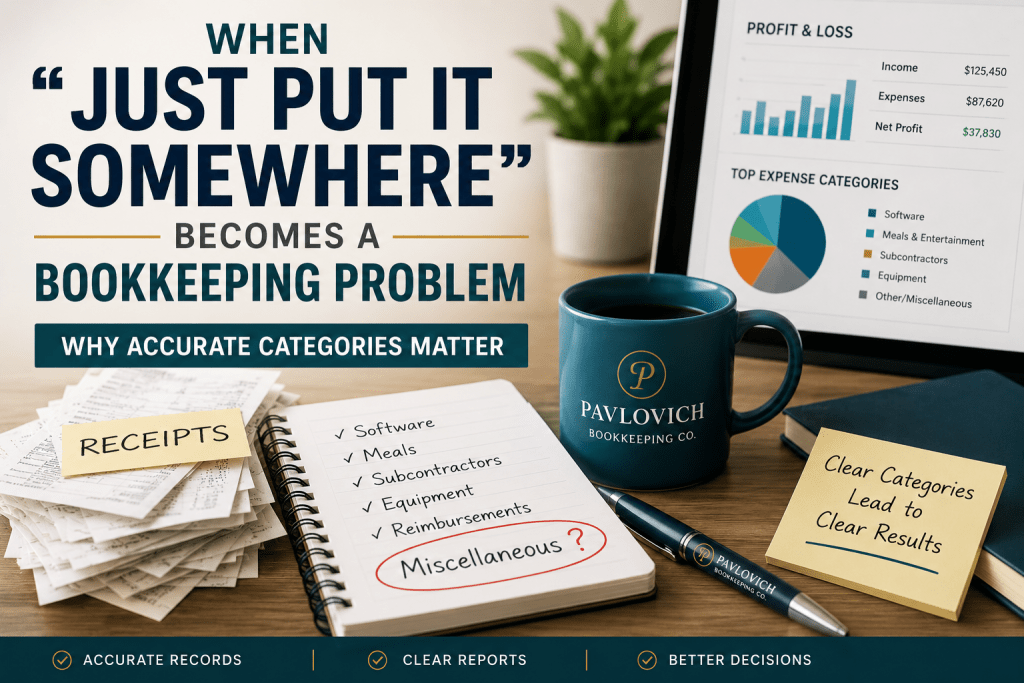
Categories organize income and expenses so reports make sense. For example, a business may need separate categories for software, subcontractors, supplies, meals, insurance, rent, loan interest, owner draws, and professional services.
Clear categories help the profit and loss statement show what actually happened in the business. Unclear or inconsistent categories can distort the reports.
For example, if software subscriptions get mixed into office supplies one month and professional services the next, the business owner may struggle to see how much the company really spends on software. If loan payments go entirely into an expense category, the reports may not properly separate principal and interest. If owner draws get treated like regular business expenses, the profit and loss statement may not give a clear picture of business operations.
Monthly categorization helps prevent these issues from growing. It also gives the bookkeeper a chance to ask questions before too much time passes.
Step 3: Reconcile Accounts
Reconciliation sounds technical, but the idea is simple.
To reconcile an account, the bookkeeper matches the books to the bank or credit card statement. This process helps confirm that the records reflect what actually happened in the account during that statement period.
QuickBooks explains that before reconciling an account in QuickBooks Online, the user should have the account statement ready and make sure the transactions for the statement period have been added and categorized. (QuickBooks)
In plain English, reconciliation helps answer questions like:
Do the books match the bank statement?
Did all deposits get recorded?
Did all payments and charges get recorded?
Did duplicate transactions appear?
Did anything clear the bank that does not appear in the books?
Did the beginning and ending balances line up correctly?
A reconciled account gives the business owner more confidence in the reports. Without reconciliation, the books may look complete while still missing transactions, including duplicates, or showing incorrect balances.
Step 4: Review Unusual or Missing Items
Bookkeeping does not happen only by clicking buttons. Some transactions need context.
Each month, a bookkeeper may ask questions such as:
What was this transaction for?
Was this charge business or personal?
Does this income belong to a specific job, project, or service line?
Was this transfer between business accounts?
Was this payment for a loan, credit card, vendor, or owner draw?
Do you have the receipt or invoice for this purchase?
Should this subscription still continue?
These questions help protect the accuracy of the books. They also help prevent guesses from becoming permanent records.
For example, a charge from a large retailer could be office supplies, tools, client materials, personal spending, or a mix of several items. A payment processor deposit may include sales, fees, refunds, and adjustments. A transfer may look like income unless the bookkeeper knows it simply moved money between accounts.
Monthly review keeps those details fresh. The business owner usually remembers recent transactions better than purchases from eight or ten months ago.
Step 5: Review Monthly Reports
Once the month’s activity gets categorized and reconciled, the reports become more useful.
The profit and loss statement helps show revenue, expenses, and profit over a specific period. The balance sheet helps show what the business owns, what it owes, and what belongs to the owner at a point in time. Other reports may show accounts receivable, accounts payable, cash flow, sales by customer, expenses by vendor, or activity by class, location, job, or service line.
The IRS includes preparing financial statements and monitoring business progress among the reasons business owners should keep good records. (IRS) Monthly reports help turn bookkeeping into practical information instead of a year-end chore.
A business owner can use monthly reports to notice patterns such as:
Revenue increased or decreased compared with prior months
Expenses rose in a specific category
Subscription costs crept higher
A customer payment remains outstanding
Cash looks tight even though sales look strong
A service line brings in revenue but also carries higher costs
A balance sheet account needs review
Reports do not need to answer every business question, but they can help owners ask better questions. Clean monthly reports give the owner a clearer view of where the business stands.
A Consistent Rhythm Makes Bookkeeping Easier
Monthly bookkeeping does not need to feel complicated. The process works best when it follows a steady rhythm: gather the month’s activity, categorize transactions clearly, reconcile accounts, review unusual or missing items, and look over the reports.
That rhythm helps small business owners keep records organized throughout the year. It also helps reduce the stress of sorting through months of activity all at once.
Pavlovich Bookkeeping Co. helps small business owners create a clearer monthly bookkeeping process with organized records, reconciled accounts, QuickBooks support, and practical financial reporting.
Ready for a steadier monthly bookkeeping routine? Request a consultation with Pavlovich Bookkeeping Co. to talk through your current setup and the support your business needs.