Key Takeaways
- Beginning balance problems in QuickBooks indicate larger issues with bookkeeping records and can affect financial accuracy.
- The beginning balance should match the ending balance from the prior reconciliation; discrepancies arise from deleted or changed transactions, incorrect setups, and duplicate entries.
- Investigating beginning balance problems requires a documented process, including confirming the last reconciliation, comparing balances, and reviewing audit logs.
- Properly investigating and correcting beginning balance issues supports accurate financial reports, essential for business decisions and tax preparation.
- Seeking professional bookkeeping help might be necessary if multiple accounts show discrepancies or if previous transactions have changed significantly.
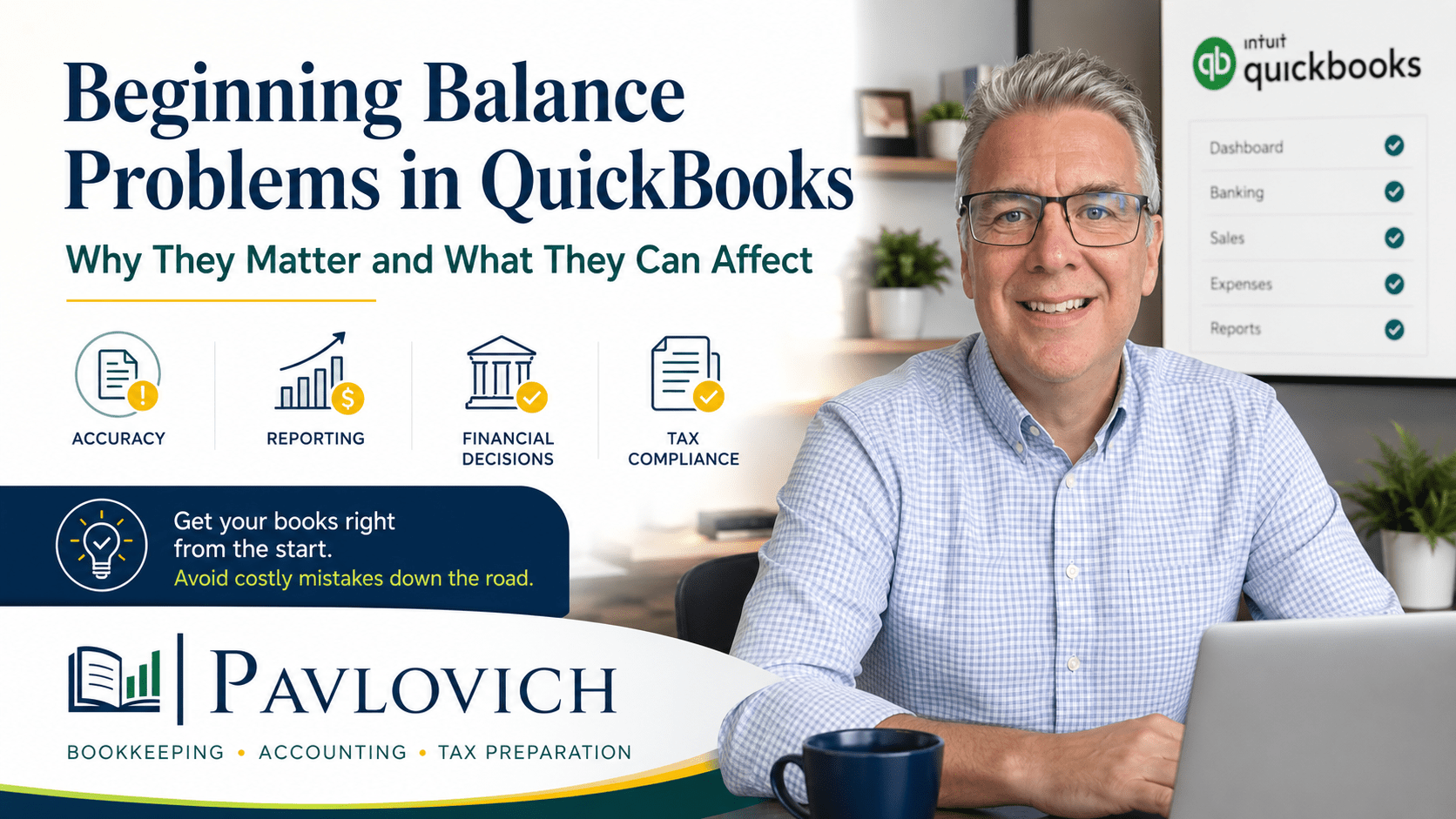
A beginning balance problem in QuickBooks can look like a small issue on the reconciliation screen. However, the warning may point to a larger problem with your bookkeeping records.
When the beginning balance does not match the ending balance from the previous reconciliation, QuickBooks cannot confirm that the account still reflects the records you previously reviewed. A deleted transaction, changed amount, duplicate entry, or incorrect setup may have altered the account.
That matters because reliable bookkeeping should do more than help you finish a reconciliation. Your records should also support useful financial reports, better business decisions, and a smoother tax preparation process.
What Is a Beginning Balance in QuickBooks?
The beginning balance is the account balance at the start of the period you want to reconcile. QuickBooks treats it as a checkpoint that helps confirm whether you are starting with accurate information.
For example, suppose you reconciled your checking account through May 31. When you begin the June reconciliation, the beginning balance should match the ending balance from the completed May reconciliation.
QuickBooks may display a warning when those amounts do not match. In QuickBooks Online, the warning may include a link that opens a Reconcile Discrepancy Report to help you investigate what changed. (QuickBooks)
Beginning Balance vs. Opening Balance
Although the terms sound similar, they refer to different parts of the bookkeeping process.
An opening balance establishes the amount in an account when you begin tracking it in QuickBooks. It may apply to a bank account, credit card, loan, asset, liability, or equity account.
A beginning balance starts a specific reconciliation period. It normally comes from the ending balance of the last completed reconciliation.
QuickBooks uses the Opening Balance Equity account to track opening balances entered during setup. Intuit also allows users to review and edit an opening balance through the account register when the original amount or date was entered incorrectly. (QuickBooks)
Both balances need to be correct. A poor opening balance can create problems during the first reconciliation, while changes to previously reconciled activity can create problems in later periods.
Why an Incorrect Beginning Balance Matters
Reconciliation compares the transactions in QuickBooks with the activity shown on a bank or credit card statement.
The process helps confirm that:
- Deposits appear in the correct amounts.
- Payments and withdrawals were recorded.
- Transfers moved between the correct accounts.
- Bank fees and interest were included.
- Cleared transactions match the financial institution’s records.
- Outstanding transactions remain properly identified.
When the beginning balance is wrong, you are not only reviewing the current month. You are also carrying an unresolved issue from an earlier period into the new reconciliation.
As a result, this month’s transactions may be completely accurate while the account still refuses to reconcile.
What Causes Beginning Balance Problems in QuickBooks?
Several bookkeeping issues can change a previously reconciled balance.
A Reconciled Transaction Was Deleted
Deleting a transaction from a completed period changes the account history.
Suppose you reconciled a $425 equipment payment in March. Later, someone deletes it because they believe it was a duplicate. QuickBooks no longer has the same group of transactions that supported the completed March reconciliation.
The beginning balance for April may then change by $425.
Deleted checks, expenses, deposits, payments, transfers, and credit card charges can all create this problem.
QuickBooks Online records deleted activity in its Audit Log. The log can help identify who made a change, when it happened, and what transaction details were affected. (QuickBooks)
Someone Changed a Reconciled Transaction
A transaction does not need to disappear to affect the beginning balance. Changing certain details may also disturb a prior reconciliation.
Potential changes include:
- The transaction amount
- The bank or credit card account
- The transaction date
- The cleared or reconciled status
- A transfer destination
- The transaction type
Changing an expense category alone may not always change the reconciled bank amount. However, changing the payment account or transaction amount can affect the account balance and its reconciliation history.
QuickBooks Online users can review a transaction’s audit history to see who changed it, when the change occurred, and which details were modified. (QuickBooks)
The Opening Balance Was Entered Incorrectly
The problem may begin when the account is first created.
Common setup mistakes include:
- Using the wrong statement balance
- Entering the wrong start date
- Leaving out the opening balance
- Entering the balance with the wrong positive or negative sign
- Using a current bank balance instead of the balance from the chosen starting date
- Importing older transactions without coordinating them with the opening balance
For a first-time reconciliation, QuickBooks recommends reviewing the opening balance and comparing it with the bank or credit card statement before continuing. (QuickBooks)
A correct starting point helps protect every reconciliation that follows.
Old Transactions Were Added After Setup
A business may begin using QuickBooks on January 1 but later import transactions from the previous December. Those older transactions can change the account balance before the bookkeeping start date.
Similarly, someone may add a forgotten check or deposit to a period that has already been reconciled.
The transaction may be legitimate. Even so, it needs careful review because adding it to a closed period can change both the account balance and the financial reports for that period.
Duplicate Transactions Entered the Books
Duplicates often appear when bank feeds and manual bookkeeping overlap.
For example, a business owner may record a $1,200 customer payment manually. Later, the same deposit appears in the bank feed and gets added as a second transaction instead of matched to the existing payment.
That duplication can overstate cash and income.
Transfers create another common problem. When someone records a transfer manually and then adds both sides from the connected bank feeds, QuickBooks may show the same movement more than once.
Even when a duplicate does not immediately change the beginning balance, deleting or unreconciling one version later can create a discrepancy.
A Reconciled Transaction Became Unreconciled
QuickBooks uses reconciliation status markers to track whether a transaction has cleared or been reconciled.
If someone changes a previously reconciled transaction back to cleared or unreconciled, the transaction may no longer support the prior completed reconciliation.
QuickBooks Online users can review reconciliation activity through the Audit Log, including changes to reconciliation reports and individual reconciled transactions. (QuickBooks)
A Conversion or Cleanup Changed Historical Records
Beginning balance problems can also appear after:
- Moving from QuickBooks Desktop to QuickBooks Online
- Importing information from another bookkeeping system
- Combining duplicate accounts
- Reorganizing the chart of accounts
- Completing a large bookkeeping cleanup
- Correcting several months or years of past activity
These projects often involve valid corrections. However, each change needs to preserve the connection between the account register, prior statements, and completed reconciliations.
What Can a Beginning Balance Problem Affect?
An incorrect beginning balance may affect more than the reconciliation screen.
Your Bank and Credit Card Balances
QuickBooks may show more or less money than the business actually has. A credit card liability may also appear too high or too low.
Without accurate account balances, it becomes harder to answer basic questions such as:
- How much cash is available?
- Which payments have cleared?
- What does the business owe on its credit cards?
- Are outstanding checks still valid?
- Did a customer payment reach the bank?
Your Balance Sheet
A balance sheet shows a business’s assets, liabilities, and equity at a specific point in time. Bank accounts normally appear as assets, while credit cards and loans generally appear as liabilities. (SBA)
When those account balances are wrong, the balance sheet may not accurately show where the business stands.
For instance, a duplicate deposit can overstate cash. A missing credit card payment may overstate both cash and the card balance. An incorrect opening balance may leave an unexplained amount in equity.
Your Profit and Loss Statement
A beginning balance difference does not automatically mean the profit and loss statement is wrong. The effect depends on what caused the discrepancy.
However, the profit and loss statement may become unreliable when the underlying problem involves:
- Duplicate income
- Deleted expenses
- Deposits recorded as sales when they were transfers
- Payments assigned to the wrong account
- Bank feed entries added instead of matched
- Corrections posted to an income or expense category
Finishing the reconciliation screen does not fix those classification problems. Each transaction still needs the correct business explanation.
Your Cash Flow Understanding
The bank’s current balance tells you what is in the account today. QuickBooks should help explain how the business reached that balance.
Reliable records allow you to separate normal operating activity from loan proceeds, owner contributions, credit card payments, transfers, equipment purchases, and other transactions that affect cash differently.
When old errors remain in the books, the business owner may struggle to understand why cash increased or decreased.
Tax Preparation
Tax preparation depends on organized records that clearly show business income, expenses, assets, liabilities, and other relevant activity.
The IRS explains that good records help business owners monitor progress, prepare financial statements, identify income sources, track expenses, prepare tax returns, and support the amounts reported on those returns. (IRS)
A beginning balance warning does not necessarily mean a tax return will be wrong. Still, it gives you a reason to review the books before sending reports to a tax preparer or CPA.
How Should You Investigate a Beginning Balance Difference?
Avoid making random changes until the number disappears. Instead, follow a documented review process.
1. Confirm the Last Correct Reconciliation
Find the most recent reconciliation that matched the bank or credit card statement.
Review:
- The statement ending date
- The statement ending balance
- The completed reconciliation report
- Any difference shown at completion
- The person who performed the reconciliation
This step gives you a reliable point from which to begin your research.
2. Compare the Prior Ending Balance
The current beginning balance should normally match the ending balance from the previous completed reconciliation.
When the two amounts differ, calculate the exact difference. A recognizable amount may lead you to a deleted check, changed deposit, transfer, payment, or opening balance entry.
3. Open the Reconcile Discrepancy Report
QuickBooks Online may provide a Reconcile Discrepancy Report when it detects that a beginning balance has changed. Review the transactions listed on that report before changing anything. (QuickBooks)
QuickBooks Desktop also includes tools such as the Reconciliation Discrepancy, Previous Reconciliation, and Audit Trail reports. Intuit recommends using these reports to identify transactions changed after a completed reconciliation. (QuickBooks)
4. Review the Audit Log or Audit History
Look for transactions that were:
- Deleted
- Edited
- Unreconciled
- Moved to another account
- Changed to a different amount
- Added to an older period
The Audit Log provides a broader history of activity in QuickBooks Online. Audit History focuses on changes made to a specific transaction.
5. Compare QuickBooks With the Actual Statements
Bank feeds are useful, but they do not replace bank and credit card statements.
Compare the account register with the statement for the affected period. Verify the exact amount, date, and account for each suspicious transaction.
Statements provide the outside record needed to confirm what actually cleared the financial institution.
6. Review the Opening Balance
When the problem reaches back to the first reconciliation, inspect the opening balance entry and starting date.
Confirm that the amount matches the correct historical statement rather than today’s bank balance. Also review any transactions dated before or on the bookkeeping start date.
7. Document Every Correction
Before changing a prior-period transaction, record:
- What was wrong
- Why the change is necessary
- Which statement or document supports it
- Which reports the correction may affect
- Whether a tax preparer or CPA has already used the prior reports
Good documentation makes the correction easier to understand later.
Should You Force the Reconciliation?
QuickBooks may allow users to create an adjustment that brings a reconciliation difference to zero. An adjustment can have a legitimate purpose in limited situations, but it should not replace an investigation.
Forcing a reconciliation may hide the original problem without correcting it.
For example, an adjustment will not explain:
- Why a deposit was duplicated
- Why a reconciled check disappeared
- Why a transfer was recorded as income
- Why an opening balance was wrong
- Why a credit card payment was entered twice
The reconciliation screen may show zero while the financial reports remain inaccurate.
Before accepting an adjustment, understand what created the difference and where the adjustment will appear in the books.
When Does the Problem Require Bookkeeping Cleanup?
A single changed transaction may take only a few minutes to correct. Other situations require a broader cleanup.
Professional help may make sense when:
- Several months show beginning balance differences.
- Multiple bank or credit card accounts will not reconcile.
- The books have not been reconciled regularly.
- Someone changed many historical transactions.
- Bank feed duplicates appear throughout the account.
- Opening balances do not match available statements.
- QuickBooks was converted from another system.
- Financial reports do not match the business owner’s expectations.
- Tax preparation is approaching, but the books remain unreliable.
- You are unsure which corrections will affect prior reports.
Bookkeeping cleanup should do more than make QuickBooks accept a reconciliation. The process should identify the cause, correct the account history, organize supporting records, and restore confidence in the financial reports.
Accurate Reconciliations Support Better Business Decisions
Beginning balance problems in QuickBooks matter because they raise a basic question: Can you rely on the numbers?
A clean reconciliation helps confirm that bank and credit card activity agrees with the records in QuickBooks. Once the accounts are accurate, financial reporting becomes more useful. Business owners can review cash, liabilities, income, expenses, and equity with greater confidence.
Organized records also make it easier to work with a tax preparer or CPA. Instead of spending tax season trying to explain unexplained differences, the business can provide reports supported by completed reconciliations and clear documentation.
Pavlovich Bookkeeping & Accounting helps small business owners investigate QuickBooks discrepancies, clean up inaccurate records, and establish reliable monthly bookkeeping. If a beginning balance problem is making your financial reports difficult to trust, schedule a consultation to discuss QuickBooks and bookkeeping support.