Key Takeaways
- Accurate categorization is crucial for Amazon receipts to avoid misleading financial reports.
- Use itemized receipts to classify purchases by purpose rather than defaulting to ‘Office Supplies’.
- Separate personal items from business expenses to maintain clear records and facilitate tax preparation.
- Employ a systematic monthly review process to ensure organized bookkeeping and proper categorization of expenses.
- Consider seeking professional help if patterns of mixed receipts or lack of documentation persist, as these may indicate larger issues.
Amazon makes it easy to order printer ink, tools, cleaning products, technology accessories, shipping materials, and office snacks in one checkout. That convenience can create a bookkeeping problem when the credit card feed shows one charge but the order contains several different types of purchases. To keep your finances organised, it’s important to know how to categorize Amazon receipt details accurately for your records.
Posting the entire transaction to “Office Supplies” may feel efficient. However, that shortcut can distort your financial reports, hide important spending patterns, and leave unanswered questions at tax time.
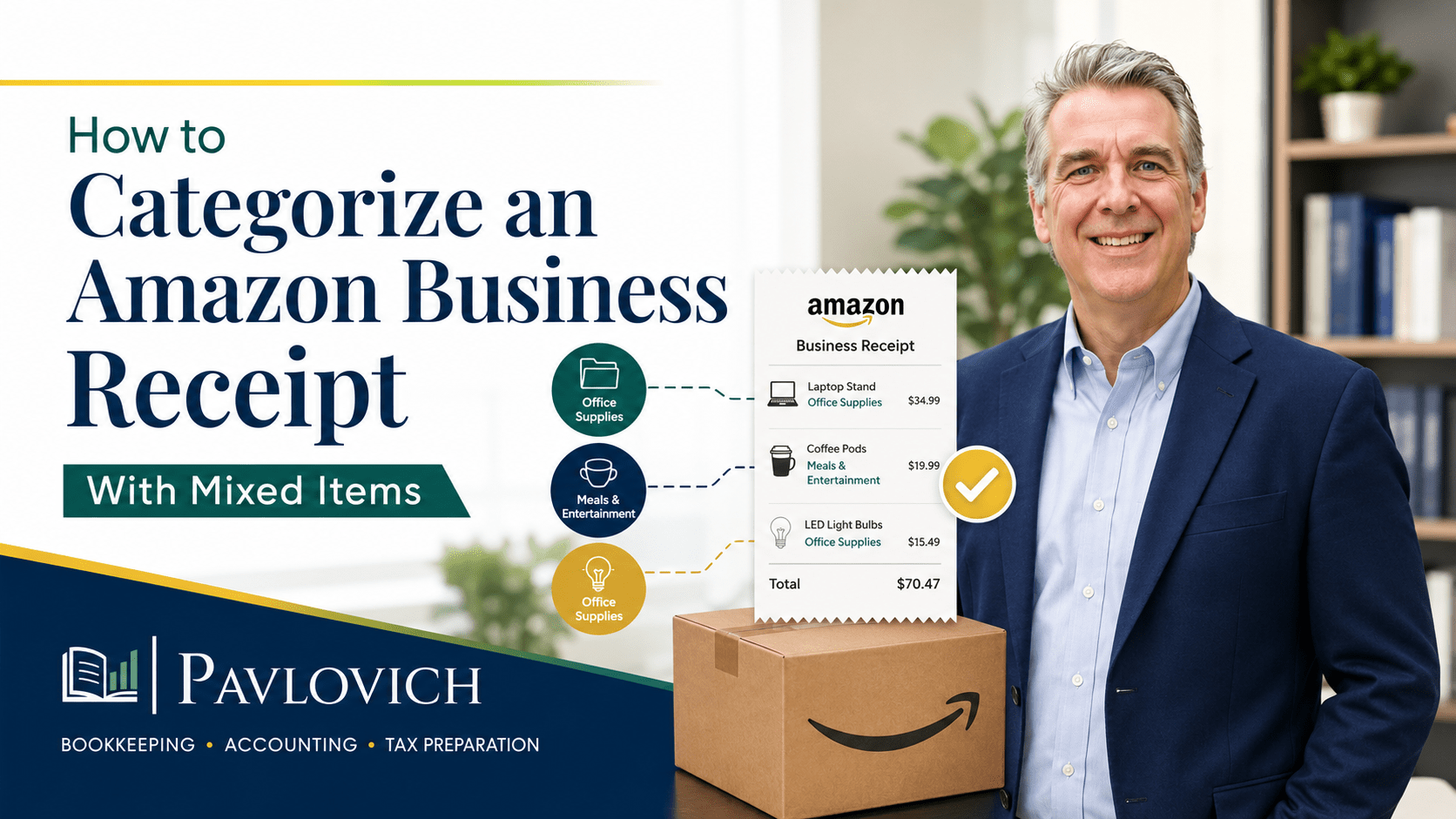
A better process starts with the itemized receipt. Review what the business purchased, group the items by purpose, separate personal spending, and split the transaction into categories that match your financial records.
Why the Bank Feed Does Not Tell the Whole Story
A bank or credit card feed usually shows three basic details:
- The vendor
- The transaction date
- The total amount
Those details confirm that your business paid Amazon, but they do not explain what you bought.
An Amazon charge could represent printer paper, safety equipment, a computer monitor, shipping boxes, break-room supplies, or a personal item ordered by mistake. Each purchase may affect your books differently.
Because Amazon sells products across many categories, the vendor name alone does not provide enough information for accurate bookkeeping. The itemized receipt gives you the description and business purpose behind the charge.
The IRS explains that supporting documents such as invoices, receipts, account statements, and credit card records contain information businesses need to record transactions. These documents also support entries in the books and items reported on a tax return. (IRS)
Why Accurate Amazon Categorization Matters
Categorizing an Amazon receipt involves more than putting expenses in the right place. The choices you make affect how clearly your financial reports explain the business.
For example, consistently posting every Amazon charge to office supplies could cause several problems:
- Office supply expenses appear higher than they really are.
- Shipping and fulfillment costs disappear into a general category.
- Tools and equipment become harder to identify.
- Cleaning or facility costs remain hidden.
- Personal purchases stay mixed with business expenses.
- Your tax preparer may need to ask more questions later.
Accurate categories help your profit and loss statement show where the business spends money. They also make it easier to compare expenses over time, understand operating costs, and investigate unusual changes.
The goal is not to create a separate account for every item. Instead, use enough detail to make your reports useful without making the chart of accounts unnecessarily complicated.
Example of a Mixed Amazon Business Receipt
Consider an Amazon order that contains the following items:
| Item | Amount | Possible Bookkeeping Category | Reason for Review |
|---|---|---|---|
| Printer ink | $74.99 | Office supplies | Used for business printing |
| Shipping labels | $29.99 | Shipping supplies | Used to mail products or documents |
| Laptop stand | $42.99 | Office equipment or small equipment | May need review based on your accounting policies |
| Cleaning wipes | $15.49 | Cleaning supplies or facility expense | Used in the business workspace |
| Batteries | $18.99 | Office supplies or job supplies | Category depends on how the business uses them |
| Office snacks | $36.50 | Break-room or meals-related account | Use and tax treatment may require professional guidance |
| Phone charger | $19.99 | Technology accessories or office supplies | Used with a business device |
| Personal household item | $27.99 | Owner draw, distribution, or personal expense | Should not remain in business expenses |
| Total charge | $266.93 | Must match the recorded payment |
The credit card statement shows one $266.93 Amazon charge. Your books should still reflect the different purposes represented on the receipt.
A mixed receipt does not always require seven different accounts. You could reasonably combine the printer ink, batteries, and phone charger if your chart of accounts groups those purchases together. The categories should provide useful information for your business rather than create detail you will never review.
How to Categorize an Amazon Receipt Step by Step
1. Save the Itemized Receipt or Invoice
Do not rely only on the credit card statement or bank feed. Save the document that lists each item, its price, discounts, sales tax, shipping charges, and order total.
Amazon orders sometimes arrive in separate shipments. As a result, one order confirmation may not match one credit card charge. Review the final invoice and payment activity before entering or matching the transaction.
A consistent document-storage process makes future reviews easier. Save receipts by month, attach them to transactions in your bookkeeping software, or store them in an organized document portal.
2. Confirm the Business Purpose of Each Item
Ask why the business purchased each product.
A package of batteries might support office equipment, a contractor’s tools, or products prepared for resale. The correct category depends on how the business used the item, not where it was purchased.
Helpful questions include:
- What did the business buy?
- Who used the item?
- How did it support business operations?
- Will the business use it for more than a short period?
- Was any part of the order personal?
- Does the item require tax or accounting review?
Adding a short note can prevent confusion later. For example, “batteries for field-testing equipment” provides more context than the word “batteries” alone.
3. Group Items Into Practical Categories
Next, combine items that share a similar business purpose.
Common categories may include:
| Type of Purchase | Examples | Possible Category |
|---|---|---|
| Office supplies | Paper, ink, pens, folders | Office supplies |
| Shipping materials | Boxes, tape, labels, mailers | Shipping or fulfillment supplies |
| Technology accessories | Chargers, cables, adapters, keyboards | Computer or technology supplies |
| Tools and equipment | Monitors, printers, drills, scanners | Equipment, tools, or fixed assets |
| Cleaning products | Wipes, trash bags, disinfectant | Cleaning or facility expenses |
| Job materials | Hardware, safety gear, project supplies | Job supplies or cost of goods sold |
| Break-room purchases | Coffee, water, snacks, paper plates | Break-room or meals-related account |
| Personal purchases | Household goods or family items | Owner draw, distribution, or personal expense |
Your business may use different account names. What matters most is consistency and a chart of accounts that supports meaningful reporting.
4. Separate Personal Purchases
A personal item charged to the business card should not remain in a business expense category.
The bookkeeping treatment depends on the business structure and circumstances. A sole proprietor may record the amount as an owner draw or personal expense, while another entity may use a distribution, due-from-owner account, or reimbursement process.
Do not delete the personal portion simply to make the transaction disappear. Record the full charge, separate the nonbusiness amount, and keep the transaction total tied to the credit card statement.
When possible, reimburse the business promptly and document the repayment. Clear records help explain what happened and prevent personal spending from distorting business expenses.
5. Flag Equipment and Unusual Purchases
Not every Amazon purchase belongs on the profit and loss statement as an ordinary supply expense.
Computers, monitors, printers, furniture, tools, and other longer-lasting items may require different accounting or tax treatment. The appropriate treatment can depend on the item, cost, business policy, and tax circumstances.
A bookkeeper can identify and organize the purchase. However, a CPA or qualified tax professional should advise you when deductibility, depreciation, capitalization, or another tax issue requires professional judgment.
Flagging the item during monthly bookkeeping prevents it from getting buried in a general category.
6. Account for Discounts, Credits, Tax, and Shipping
Mixed Amazon receipts often include more than product prices.
Review the receipt for:
- Sales tax
- Shipping charges
- Promotional discounts
- Gift card payments
- Rewards or statement credits
- Returned items
- Partial refunds
- Separate shipment charges
The total of all categorized lines must equal the amount recorded in the books.
Suppose the products total $250, Amazon applies a $10 discount, and sales tax adds $16.93. The final payment still equals $256.93. Your bookkeeping entry should reflect the full transaction without losing the discount or creating an unexplained difference.
Refunds also need careful review. Match a refund to the original purchase when possible rather than recording it as unrelated income.
How to Split an Amazon Transaction in QuickBooks Online
QuickBooks Online allows users to divide one downloaded transaction among multiple categories. Intuit’s current instructions direct users to select the transaction from the bank transactions area, choose Split, assign categories and amounts, and make sure the remaining difference equals zero. (QuickBooks)
A split based on the example receipt might look like this:
| QuickBooks Category | Amount |
|---|---|
| Office supplies | $93.98 |
| Shipping supplies | $29.99 |
| Office equipment | $42.99 |
| Cleaning supplies | $15.49 |
| Break-room or meals-related account | $36.50 |
| Technology supplies | $19.99 |
| Owner draw or personal expense | $27.99 |
| Total | $266.93 |
The exact screen names may vary as QuickBooks updates its interface. Still, the basic process remains the same:
- Open the downloaded Amazon transaction.
- Confirm that you are categorizing the correct charge.
- Select the option to split the transaction.
- Enter each category and amount.
- Confirm that the difference equals zero.
- Add useful notes or customer, class, location, or project details when appropriate.
- Attach the receipt or invoice.
- Save or post the transaction.
QuickBooks can suggest categories based on previous activity, but the suggestion still requires review. An automated rule may recognize Amazon as the vendor without knowing what the order contained.
For that reason, a rule that sends every Amazon charge to office supplies can create more cleanup work later.
How Receipt Categories Improve Financial Reporting
Clean categorization makes financial reports more useful.
Imagine that shipping costs increased significantly over three months. When shipping labels and mailers have their own consistent category, the business owner can see that change and investigate it.
Perhaps order volume increased. Maybe a vendor raised prices, employees began overordering supplies, or the business should compare another purchasing option.
That analysis becomes difficult when every Amazon purchase sits in office supplies.
The same principle applies to technology, equipment, cleaning costs, and job materials. Clear categories help answer practical questions such as:
- How much are we spending to complete client work?
- Are supply costs increasing faster than revenue?
- Did we purchase equipment this month?
- Are employees using approved purchasing procedures?
- Do any expenses need explanation before the monthly reports close?
- Are personal transactions affecting the business records?
Bookkeeping creates the underlying record. Accounting support and financial reporting turn that record into information the owner can use.
How Amazon Business Features Can Support the Process
Businesses that place frequent orders may benefit from Amazon Business purchasing reports and analytics. Amazon Business states that its analytics tools can provide purchasing details such as order information, item details, shipping costs, and payment data. (Amazon Business)
These reports can help a business:
- Locate invoices more efficiently
- Review purchases across multiple users
- Identify frequent vendors or products
- Monitor spending patterns
- Investigate unusual orders
- Prepare item-level information for bookkeeping
Purchasing data does not replace bookkeeping judgment. Someone still needs to identify the business purpose, choose appropriate accounts, separate personal spending, and confirm that the recorded total matches the payment.
For businesses with several employees or frequent Amazon activity, a simple purchasing policy can also reduce confusion. The policy might require buyers to use approved accounts, enter a business purpose, avoid personal purchases, and submit documentation before the monthly bookkeeping cutoff.
Common Amazon Bookkeeping Mistakes
Categorizing Every Purchase as Office Supplies
This approach hides equipment, shipping costs, job materials, and other meaningful expenses. Use office supplies for purchases that truly belong there rather than as a default for the vendor.
Trusting Automated Bank Rules Without Review
Automation can save time, but it cannot always interpret a mixed receipt. Review Amazon transactions before accepting suggested categories.
Recording Only the Product Subtotal
The amount in your books must match the actual payment. Include discounts, sales tax, shipping, credits, and other adjustments when reconciling the transaction.
Ignoring Personal Items
Personal purchases do not become business expenses simply because the business card paid for them. Separate and document the nonbusiness portion.
Losing Track of Partial Refunds
Amazon may issue refunds by item or shipment. Match each credit to the original transaction so your expense categories remain accurate.
Creating Too Many Categories
Excessive detail can make financial reports difficult to read. Build categories around information the business owner will actually review and use.
Waiting Until Tax Season
Months of unclear Amazon charges can make cleanup slow and expensive. Reviewing mixed receipts during monthly bookkeeping keeps questions manageable and records current.
A Simple Monthly Amazon Review Process
A repeatable process can keep Amazon activity organized without turning every receipt into a major project.
Each month:
- Gather Amazon receipts and final invoices.
- Match each document to the related bank or credit card charge.
- Review the item-level details.
- Group purchases by business purpose.
- Separate personal items.
- Flag equipment, meals, inventory, or unclear purchases for review.
- Split the transaction in QuickBooks.
- Attach the supporting document.
- Match refunds and credits to the original purchases.
- Review the related expense categories before closing the month.
This process supports more than accurate data entry. It helps create financial reports that show how the business actually operates.
When Mixed Amazon Receipts Signal a Larger Bookkeeping Problem
One difficult receipt does not necessarily mean the books need cleanup. A repeated pattern may point to a larger issue.
Consider getting help when:
- Many Amazon charges lack receipts.
- Months of purchases sit in one general category.
- Personal and business spending remain mixed.
- Refunds do not match the original orders.
- Equipment purchases appear as ordinary supplies.
- Credit card balances do not reconcile.
- Multiple employees place orders without documentation.
- Financial reports no longer seem reliable.
- Your CPA or tax preparer keeps requesting more detail.
Catch-up bookkeeping can organize overdue transactions. Bookkeeping cleanup can correct inaccurate categories and unresolved balances. Afterward, monthly bookkeeping and accounting support can create a more dependable process for reviewing purchases and understanding the resulting reports.
Turn Amazon Receipts Into Useful Financial Information
An Amazon Business receipt with mixed items should not automatically become one office supplies expense.
Review the itemized document, identify the business purpose of each purchase, group similar items, remove personal spending, and confirm that the split matches the payment. That process creates clearer expense records and more dependable financial reports.
Organized receipts also make it easier to answer questions, reconcile accounts, prepare tax-ready records, and work efficiently with your CPA or tax preparer.
Pavlovich Bookkeeping & Accounting helps small business owners make sense of their numbers through organized bookkeeping, practical accounting support, clear financial reporting, and tax-ready records. If unclear Amazon purchases or mixed expenses have started piling up, schedule a consultation to discuss the best place to begin.