Key Takeaways
- Fraud prevention bookkeeping relies on thorough documentation to clarify transactions and reduce errors.
- Keeping organized records helps identify unusual activity, duplicate payments, and unauthorized charges.
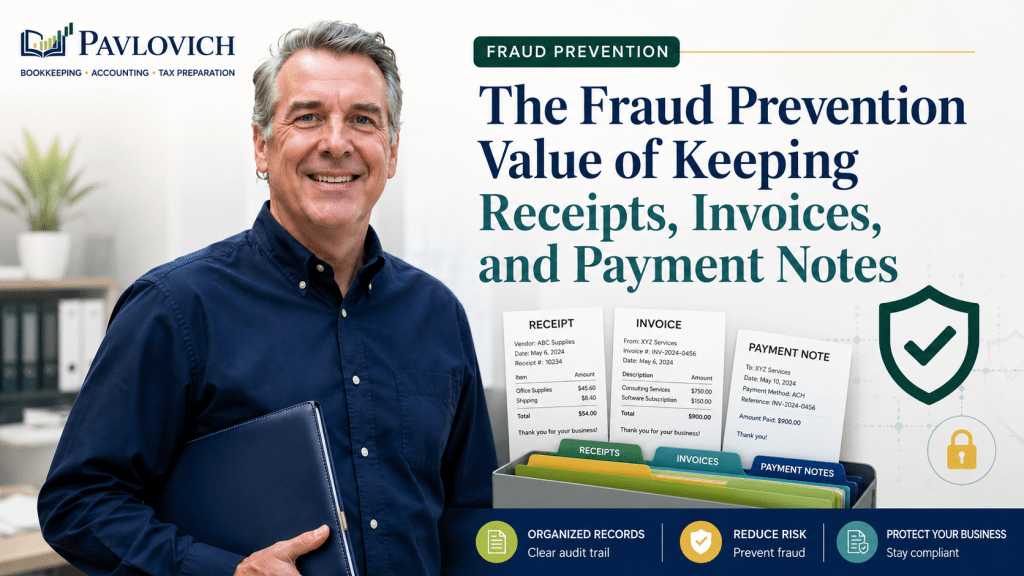
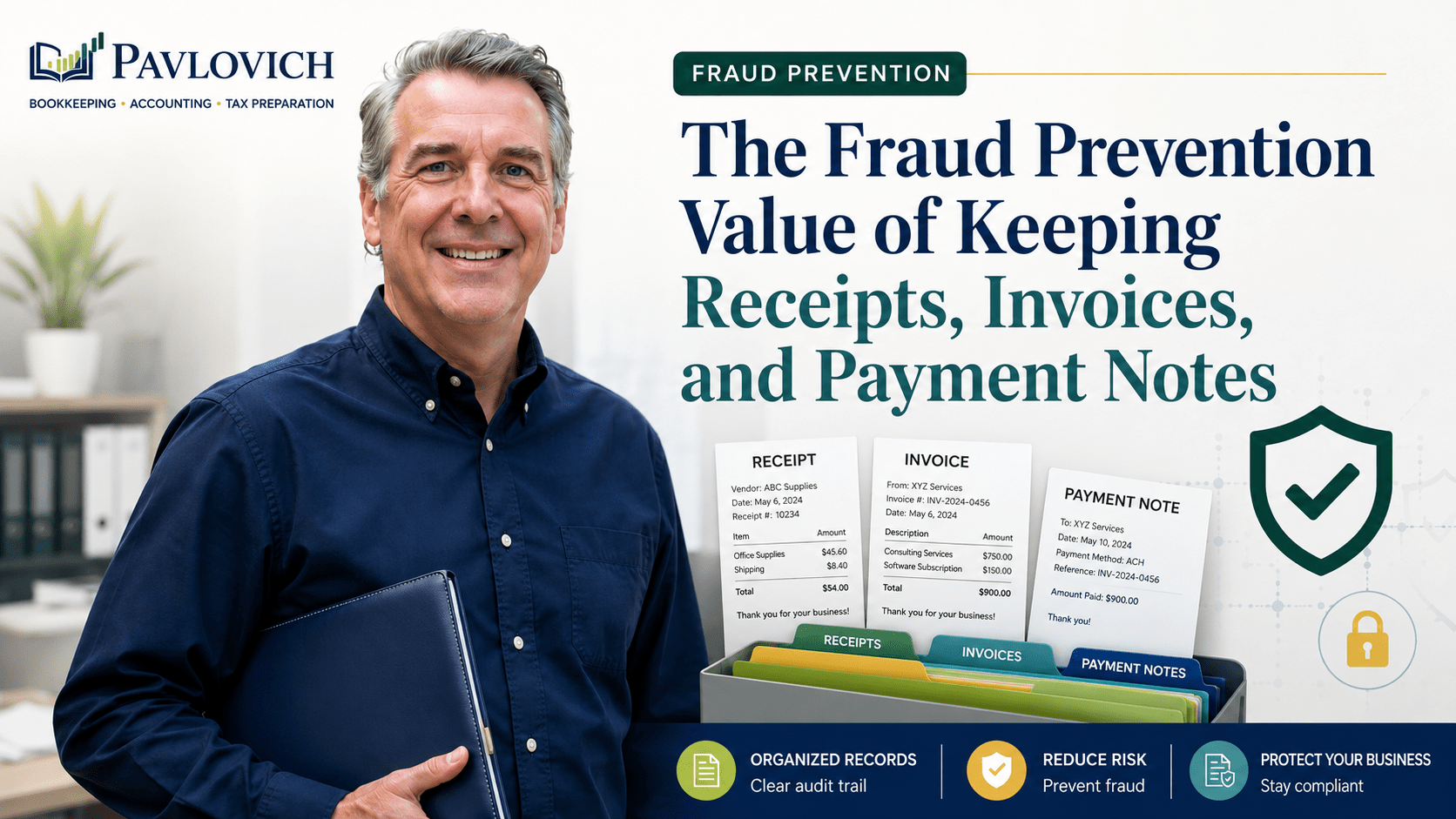
- Receipts, invoices, and payment notes provide essential details about what was purchased and why.
- A consistent approval process boosts accountability and helps distinguish legitimate expenses from fraudulent ones.
- Regular reviews of documentation enhance accuracy in accounts payable and strengthen overall financial management.
A bank transaction can tell you when money moved, how much moved, and which vendor received it. However, that information does not always explain what the business purchased, who approved it, whether the amount was correct, or why the transaction belonged in the books. For effective fraud prevention bookkeeping, it’s important to look beyond basic transaction details.
Receipts, invoices, and payment notes fill those gaps.
Together, these records create a clearer trail from the original business need to the final payment and bookkeeping entry. That trail helps small business owners organize expenses, review unusual activity, confirm vendor payments, and understand the numbers in their financial reports.
Documentation cannot prevent every dishonest act or bookkeeping mistake. Still, a consistent recordkeeping and review process makes unsupported, duplicated, personal, or unusual transactions easier to identify.
Why Documentation Matters for Fraud Prevention Bookkeeping
Fraud prevention bookkeeping involves more than watching for theft. It includes creating an organized accounting process that helps the business catch errors, unsupported charges, duplicate payments, and unusual activity before they cause larger problems.
The Association of Certified Fraud Examiners reported that asset misappropriation appeared in 90% of the occupational fraud cases included in its 2026 study. The report also found that more than half of the cases involved either missing internal controls or someone overriding existing controls. (ACFE)
Small businesses may not have large accounting departments or formal approval systems. Even so, they can create practical safeguards by documenting transactions and reviewing the information regularly.
Strong documentation helps answer questions such as:
- What did the business purchase?
- Why did the business need it?
- Who requested or approved the purchase?
- Which customer, project, location, or department did it support?
- Did the business receive the product or service?
- Does the payment match the agreed amount?
- Has the invoice already been paid?
- Does the transaction fit the vendor’s normal activity?
- Is any part of the purchase personal?
- Did the business receive an expected refund or credit?
Without those details, a transaction may remain in the books with only a vendor name and total amount. That creates uncertainty for the owner, bookkeeper, tax preparer, and anyone else reviewing the financial records.
A Bank or Credit Card Statement Does Not Tell the Whole Story
Bank statements and credit card statements provide essential evidence that money moved. However, they often provide limited information about the reason for the transaction.
Consider a $284 purchase from a home improvement store. The bank feed may show the date, store name, and total amount, but the purchase could include:
- Materials for a customer project
- Replacement tools
- Safety equipment
- Office supplies
- Personal household items
- A refundable deposit
- Items that the business later returned
Those details can affect how the bookkeeper records the transaction. They may also affect project reporting, customer billing, owner activity, and tax preparation.
A statement alone may not explain enough.
The IRS identifies invoices, receipts, sales slips, paid bills, deposit slips, canceled checks, and similar records as supporting documents for business transactions. It also explains that supporting records should identify information such as the payee, amount, proof of payment, date, and description of the item or service. (IRS)
Combining the payment record with the receipt, invoice, and a useful note creates a more complete financial record.
What a Receipt Adds to the Bookkeeping Record
A receipt usually shows what the business actually purchased.
Depending on the vendor, it may include:
- Individual products or services
- Quantity
- Purchase date and time
- Location
- Payment method
- Sales tax
- Tips
- Discounts
- Returns
- Refund information
- The last digits of the payment card
This detail helps the bookkeeper decide how to categorize the transaction. It also allows the business owner to confirm that the charge belongs to the company.
Example: A Mixed Retail Purchase
Suppose a business card shows a $172 charge from a warehouse store. The receipt shows:
- $65 in cleaning supplies
- $42 in client refreshments
- $35 in printer ink
- $30 in personal groceries
Recording the entire amount as office supplies would make the books less accurate. The receipt allows the business to separate the items and keep the personal portion out of normal business expenses.
Without the receipt, the owner may need to rely on memory several months later. By then, the details may be difficult to reconstruct.
Example: A Returned Item
A landscaping company purchases a $450 tool and later returns it. The original charge and refund appear several days apart.
Keeping the receipt and return confirmation helps the bookkeeper connect the transactions. Otherwise, the refund might appear as income or remain unmatched.
Receipts provide context that a bank feed usually cannot capture.
What an Invoice Adds to the Payment Process
An invoice usually describes what a vendor expects the business to pay. Unlike a receipt, it may exist before payment occurs.
A complete invoice often includes:
- Vendor name and contact information
- Invoice number
- Invoice date
- Description of goods or services
- Quantity or hours
- Payment terms
- Amount due
- Due date
- Sales tax
- Shipping or service fees
- Customer, job, or project details
- Payment instructions
Invoices help small businesses confirm that a payment makes sense before releasing funds.
The owner or payment approver can compare the invoice with a purchase request, estimate, contract, delivery record, or completed work. That review may reveal duplicate billing, unexpected price changes, unfamiliar services, or amounts that do not match the agreement.
Example: A Duplicate Vendor Invoice
A consultant receives an invoice by email. Two weeks later, the vendor sends the same invoice again with a reminder notice.
Without organized accounts payable records, the consultant could pay both copies. Tracking the invoice number, amount, due date, and payment status makes the duplicate easier to identify.
The ACFE recommends reviewing transactions for duplicate invoice numbers, purchase orders, and credits when analyzing possible billing problems. It also suggests identifying purchases made without proper approval and invoices that lack supporting purchasing or receiving records. (ACFE)
A small business may not use formal purchase orders, but it can still compare the invoice with the original request and proof that the vendor completed the work.
Payment Notes Explain the Business Purpose
Receipts and invoices describe what happened. Payment notes explain why the transaction mattered to the business.
A helpful payment note may say:
- Materials for the Thompson remodeling project
- Replacement drill for field crew
- Deposit for October trade show booth
- Approved by owner after reviewing estimate
- Client lunch following project planning meeting
- Annual software renewal for three users
- Owner reimbursed the business for personal items
- Partial payment against invoice 1048
- Refund expected for returned equipment
- Emergency repair to company vehicle
Useful notes do not need to be long. One clear sentence can save time when someone reviews the transaction later.
Avoid vague descriptions such as:
- Business expense
- Supplies
- Payment
- Work item
- Miscellaneous
- Owner said okay
Those notes provide little additional information.
A strong payment note should explain the business purpose, project connection, approval, or unusual circumstance that someone would not understand from the receipt or invoice alone.
Documentation Helps Separate Errors From Suspicious Activity
Not every unusual transaction indicates fraud.
An unfamiliar vendor may have a legitimate explanation. A repeated payment could result from a software error. A missing receipt may reflect an employee who forgot to upload it. Likewise, a large purchase might represent an approved equipment replacement.
Documentation gives the owner facts to review before reaching a conclusion.
Receipts, invoices, and notes may help explain or identify:
- Duplicate vendor payments
- Personal purchases on business cards
- Reimbursements without support
- Payments to unfamiliar vendors
- Incorrect payment amounts
- Charges after an employee left the company
- Refunds that never reached the account
- Purchases outside normal business activity
- Services the business did not receive
- Recurring subscriptions no one uses
- Payments applied to the wrong project
- Vendor credits that remain unused
- Purchases split to avoid an approval limit
- Changes in a vendor’s payment instructions
- Multiple invoices with the same number
Each situation requires review. Organized records make that review more practical and less dependent on memory.
Approval Records Create Clearer Accountability
Documentation becomes more useful when it also shows who requested, reviewed, and approved a purchase.
An approval record does not need to involve a complicated corporate system. A small business might use:
- An approval email
- A note in the bookkeeping software
- A message in a project management platform
- Initials on a scanned invoice
- A shared approval spreadsheet
- A documented text or chat message
- An electronic approval workflow
- A folder for invoices awaiting payment
The process should fit the size and complexity of the business.
A useful approval trail can answer:
- Who requested the purchase?
- Who confirmed the business need?
- Who approved the amount?
- Who entered the vendor information?
- Who released the payment?
- Who reviewed the transaction afterward?
When one person controls every step, an inappropriate or incorrect payment may be harder to detect. Separating responsibilities creates another opportunity for review.
For example, an office manager might collect invoices and enter them into the bookkeeping system. The owner could approve payments and review the monthly vendor activity. Meanwhile, an outside bookkeeping professional could reconcile the bank and credit card accounts.
Very small businesses may not have enough people to divide every duty. In that situation, consistent owner review becomes especially important.
Documentation Supports Accounts Payable Review
Accounts payable represents bills that the business owes but has not yet paid.
Organized invoices and payment records help the company understand:
- Which vendors need payment
- How much the business owes
- When payments are due
- Whether the vendor completed the work
- Whether the invoice has already been paid
- Whether a credit should reduce the amount
- Whether the payment terms changed
- Whether cash is available for upcoming obligations
Before paying an invoice, compare the invoice with the business agreement and available evidence.
A practical review may include:
- Confirm the vendor is legitimate and expected.
- Review the invoice number and date.
- Compare the amount with the quote, contract, or prior billing.
- Confirm the business received the product or service.
- Check for previous payments or duplicate invoices.
- Verify the payment instructions.
- Document approval.
- Match the final payment with the invoice.
This process improves accounts payable accuracy while creating a stronger record of how the business used its money.
Vendor Changes Deserve Additional Review
A request to change a vendor’s mailing address, bank account, payment platform, or contact information should receive careful review.
Do not rely only on the contact information included in the change request. Instead, confirm the change through a trusted phone number, established contact, or another independent method already in the company’s records.
After verification, document:
- What changed
- Who requested the change
- When the request arrived
- How the business verified it
- Who approved the update
- When the new information took effect
That record helps future reviewers understand why the vendor details changed.
The bookkeeping system should also limit who can create vendors, edit payment details, and release payments. Access should reflect each person’s responsibilities rather than giving every user complete control.
Employee and Owner Reimbursements Need Support
Reimbursements create another area where clear documentation matters.
A reimbursement request should normally include:
- Purchase date
- Vendor
- Amount
- Business purpose
- Customer or project connection
- Receipt or invoice
- Person requesting reimbursement
- Approval
- Date reimbursed
Without this information, the business may pay personal costs, reimburse the same purchase twice, or record both the purchase and repayment as separate expenses.
Example: A Duplicate Reimbursement
An employee buys $95 in project materials with a personal card. The bookkeeper records the materials from the receipt and creates a reimbursement payable to the employee.
Later, the owner categorizes the $95 bank payment as another materials expense.
The business has only one $95 cost, but the profit and loss statement may show $190. Matching the repayment with the original documented expense prevents the duplicate.
Owner-paid business expenses need similar care. A clear record helps distinguish owner contributions, reimbursements, and ordinary operating costs.
Receipts and Invoices Improve Transaction Categorization
Fraud prevention and accurate financial reporting often support each other.
When supporting documents explain a transaction, the bookkeeper can place it in a meaningful category. Better categories lead to more useful financial reports.
For example, a contractor may need to distinguish among:
- Customer project materials
- Small tools
- Equipment
- Repairs
- Safety supplies
- Vehicle expenses
- Subcontractor costs
- Office expenses
- Owner purchases
Placing everything from a hardware store into one general expense category hides useful information. It can also make unusual activity harder to notice.
Clear categories help the owner compare costs from month to month, review project profitability, and identify unexpected changes.
However, categorization alone does not prove that a transaction is appropriate. The supporting documentation still needs to show what occurred and why it belonged to the business.
Reconciliation Connects Documents With Financial Activity
Supporting documents explain individual transactions. Reconciliation helps confirm that the complete account activity appears in the books.
During reconciliation, the business compares bookkeeping records with bank, credit card, loan, or payment processor statements. Differences may point to:
- Missing transactions
- Duplicate entries
- Deleted payments
- Incorrect amounts
- Unrecorded fees
- Refunds that did not arrive
- Old checks that never cleared
- Payments from the wrong account
- Transactions entered in the wrong period
Documentation helps investigate those differences.
Suppose an invoice shows that the business approved one $1,200 payment. The bank statement shows two identical withdrawals. The invoice, approval record, payment confirmation, and reconciliation report give the owner the information needed to investigate the duplicate.
A monthly reconciliation process does not guarantee that every transaction is legitimate. Still, it creates a regular opportunity to compare the books with independent financial records and ask questions about unexpected activity.
Financial Reports Can Reveal Patterns That Individual Receipts Do Not
A receipt explains one purchase. Financial reports help the owner see patterns across many transactions.
Monthly review may reveal:
- A vendor’s charges increasing without explanation
- Supply costs growing faster than revenue
- Reimbursements becoming unusually frequent
- New recurring subscriptions
- Large amounts in miscellaneous expenses
- Repeated round-dollar payments
- Unexpected changes in gross profit
- Unusual activity in owner accounts
- Negative cash or credit card balances
- Refunds or credits appearing inconsistently
- Vendor expenses that do not fit normal operations
The ACFE identifies management review and proactive transaction monitoring as controls associated with stronger fraud detection outcomes. (ACFE)
Small business owners do not need advanced analytics to begin reviewing patterns. A monthly comparison of the profit and loss statement, balance sheet, vendor totals, and bank reconciliations can reveal items that deserve attention.
Documentation then helps explain the activity behind those reports.
Digital Receipt Tools Help, but They Do Not Replace Review
Bookkeeping software can make document collection easier.
QuickBooks Online, for example, allows users to upload receipts from a computer or mobile device. The software can extract information and suggest an existing transaction to match, but users still need to review the receipt, confirm the details, and add or match it in the books. (QuickBooks)
A digital process may allow owners and employees to:
- Photograph receipts immediately
- Email documents to a bookkeeping inbox
- Upload vendor invoices
- Attach files to transactions
- Add memos
- Search for old records
- Share documents with the bookkeeper
- Reduce reliance on paper files
The tool handles storage. The business still needs clear procedures.
For example, an employee should know:
- When to submit a receipt
- Which information to include
- How to explain the business purpose
- Who approves the purchase
- What to do if the receipt is missing
- How to report a return or refund
- Which system stores the final document
Without those expectations, documents may remain scattered across email accounts, mobile phones, filing cabinets, and glove compartments.
Create a Documentation Process That Fits the Business
A useful process should feel consistent without becoming unnecessarily complicated.
Step 1: Capture the Document Promptly
Upload, photograph, or scan the receipt or invoice as soon as practical. Waiting increases the chance of losing the document or forgetting the business purpose.
Step 2: Add the Business Purpose
Include a short note that explains why the business incurred the cost. Identify the customer, project, event, department, or other relevant connection when appropriate.
Step 3: Record Approval
Show who approved the purchase or payment. Use a consistent method that everyone involved understands.
Step 4: Connect the Document to the Transaction
Attach the receipt or invoice to the corresponding bookkeeping entry whenever the software allows it. Otherwise, use a filing system that makes the support easy to locate.
Step 5: Review Before Payment
Compare invoices with estimates, contracts, purchase requests, or delivery records. Confirm the amount and vendor information before releasing funds.
Step 6: Match the Payment
After payment, connect the bank or credit card transaction with the correct invoice or expense. Avoid creating duplicate entries.
Step 7: Reconcile the Account
Compare the books with the outside statement and investigate any differences.
Step 8: Review Monthly Reports
Look for unusual vendors, changing expense patterns, unsupported reimbursements, duplicate amounts, and balances that do not make sense.
A small business may adjust these steps based on its staffing and transaction volume. The important point is to create a repeatable process rather than addressing documents only at tax time.
What Records Should a Small Business Keep Organized?
The exact records depend on the business, but a documentation system may include:
- Customer invoices
- Sales receipts
- Vendor invoices
- Purchase receipts
- Estimates and contracts
- Purchase approvals
- Delivery or completion records
- Bank statements
- Credit card statements
- Payment confirmations
- Deposit details
- Merchant processor reports
- Refund and credit records
- Employee reimbursement requests
- Owner reimbursement records
- Payroll reports
- Contractor payment support
- Forms W-9
- Loan documents
- Equipment purchase records
- Vehicle and mileage records
- Notes explaining business purpose
- Records of vendor information changes
The IRS states that a business may use any recordkeeping system suited to its operations as long as the system clearly shows income and expenses. Electronic records must meet the same general recordkeeping principles as paper records. (IRS)
Keep documents in an orderly and secure system. Restrict access to sensitive financial and personal information, and use consistent file names or folders so authorized users can find records when needed.
Review Missing Documents Instead of Ignoring Them
A missing receipt does not automatically mean a transaction is fraudulent. Nevertheless, the business should review and document the issue rather than leaving it unexplained.
When a receipt is missing:
- Ask the purchaser for another copy.
- Check the vendor’s website or customer account.
- Search email for an electronic receipt.
- Contact the vendor when practical.
- Review any invoice, order confirmation, or delivery record.
- Write a note explaining the business purpose and why the receipt is unavailable.
- Ask the tax professional whether additional support is necessary.
Repeated missing documents may signal a weak process. The owner should determine whether one employee, payment method, vendor, or workflow creates most of the problem.
A clear exception procedure helps the business handle occasional missing records without treating incomplete documentation as normal.
Use a Monthly Documentation Review
A monthly review keeps questions manageable and helps the owner address issues while the details remain familiar.
Start with transactions that lack receipts, invoices, or meaningful notes. Then review unusual vendors, large purchases, duplicate amounts, reimbursements, refunds, and changes in recurring expenses.
Ask questions such as:
- Do all significant card charges have support?
- Do vendor payments match approved invoices?
- Did anyone pay the same invoice twice?
- Do reimbursements include receipts and approval?
- Did the business receive all expected refunds?
- Do new vendors have complete information?
- Did anyone change vendor payment instructions?
- Do personal purchases have clear owner-related treatment?
- Are former employees still authorized users?
- Do recurring charges still serve a business purpose?
- Do large purchases match normal operations?
- Do the bank and credit card accounts reconcile?
- Do the financial reports contain unexpected changes?
Document the answer when something unusual has a legitimate explanation. That note may prevent the same question from resurfacing during year-end review or tax preparation.
Know When the Business Needs Additional Help
Documentation problems sometimes point to a larger bookkeeping issue.
The business may benefit from catch-up bookkeeping or cleanup when:
- Several months remain incomplete
- Accounts have not been reconciled
- Receipts and invoices are scattered
- Vendor balances appear unreliable
- Duplicate payments appear in the books
- Personal and business activity are mixed
- Reimbursements lack clear support
- Financial reports contain large miscellaneous balances
- Accounts payable does not match actual vendor obligations
- The owner cannot explain unusual transactions
- Payment processor activity does not match deposits
- Loan or credit card balances differ from statements
Catch-up bookkeeping brings overdue records current. Cleanup work focuses on correcting inaccurate, duplicated, or disorganized activity. Afterward, ongoing monthly bookkeeping and accounting support can help maintain a stronger process.
Situations involving suspected fraud, employee misconduct, legal claims, audits, or complex tax issues may require an attorney, CPA, Certified Fraud Examiner, or another specialized professional.
Pavlovich Bookkeeping & Accounting is not a CPA firm and does not conduct audits, fraud examinations, or forensic accounting investigations. Our role focuses on organized bookkeeping, practical accounting support, financial reporting, QuickBooks assistance, and tax-ready financial records.
Clear Documentation Creates More Useful Financial Information
Receipts, invoices, and payment notes do more than support tax preparation.
They explain what the business purchased, why the transaction occurred, who approved it, and whether the payment agrees with the available evidence. That information helps the owner review unusual activity, resolve bookkeeping questions, and understand the financial reports with greater confidence.
Documentation works best as part of a complete process. The business should collect supporting records, review invoices before payment, document approvals, match payments correctly, reconcile financial accounts, and examine monthly reports for unexpected changes.
No single bookkeeping practice can eliminate fraud risk. However, organized records make mistakes, unsupported charges, duplicate payments, and unusual transactions easier to identify and address.
Pavlovich Bookkeeping & Accounting helps small business owners create organized records, maintain dependable monthly books, and understand the financial information behind their business.
Need help organizing your bookkeeping and creating a clearer monthly review process? Schedule a consultation with Pavlovich Bookkeeping & Accounting.