Key Takeaways
- Beginning balance problems in QuickBooks often indicate deeper bookkeeping issues that need addressing.
- These problems can arise from deleted transactions, changes to reconciled transactions, or incorrect opening balances.
- A wrong beginning balance can affect financial reports, confidence in account balances, and tax readiness.
- Investigate the source of the beginning balance problem thoroughly instead of forcing a reconciliation adjustment.
- Maintaining accurate reconciliations leads to better financial information and supports reliable bookkeeping.
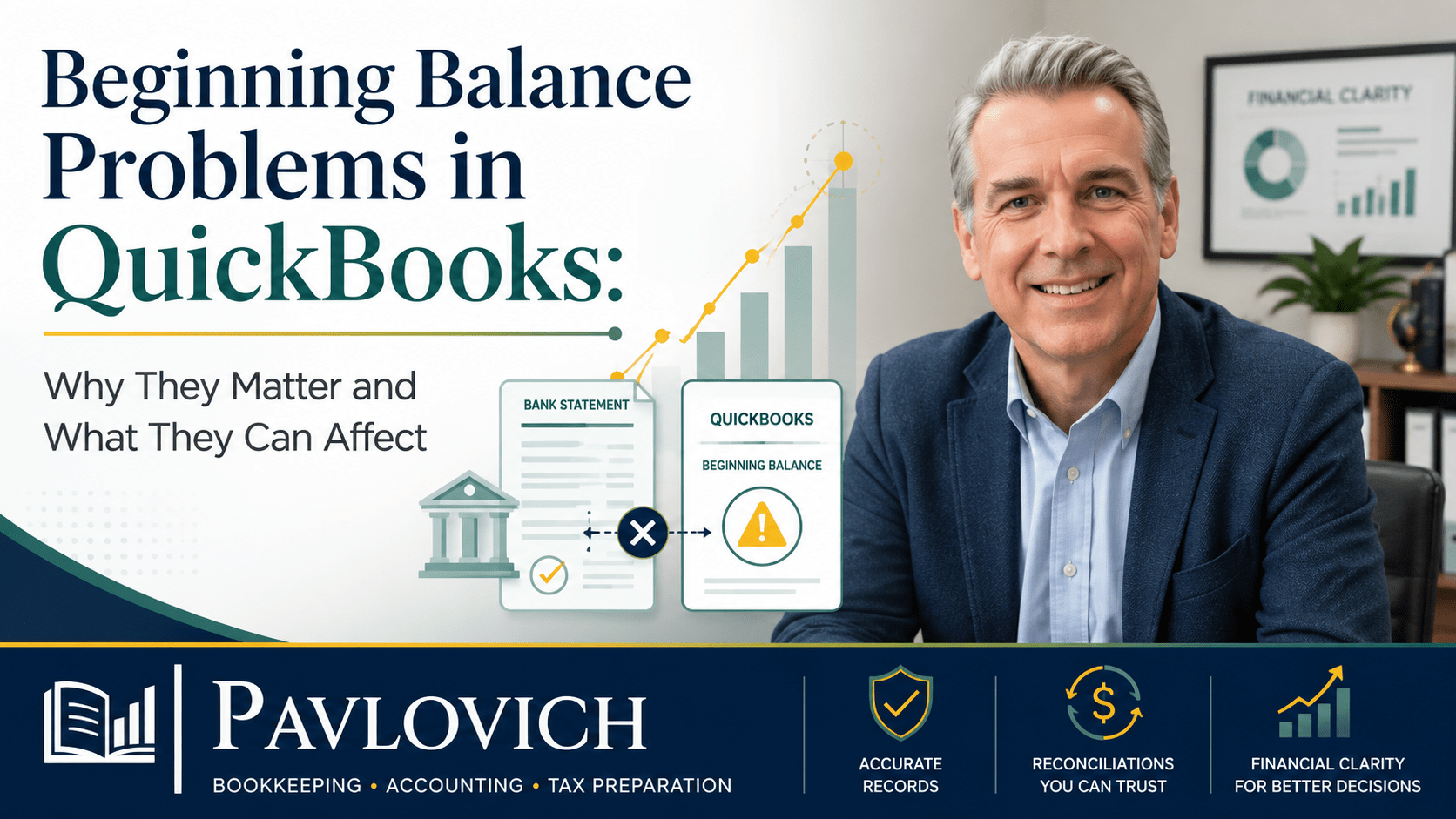
A beginning balance problem in QuickBooks can look like a small reconciliation issue. However, it often signals that something changed in the bookkeeping before the current period even started.
That matters because reconciliation is one of the ways you confirm that your QuickBooks records agree with your actual bank or credit card activity. When the beginning balance is wrong, the current reconciliation starts with a difference that may have nothing to do with this month’s transactions.
For a small business owner, the real concern goes beyond getting a reconciliation screen to show a zero difference. An unresolved beginning balance problem can make it harder to trust account balances, financial reports, cash information, and the records you eventually provide to your tax preparer or CPA.
Understanding what caused the problem is the first step toward fixing the books correctly.
What Is a Beginning Balance in QuickBooks?
The beginning balance is the starting balance for the period you are trying to reconcile.
In a normal reconciliation process, the beginning balance should connect to the account’s previously reconciled activity. You then compare the transactions for the new statement period with your bank or credit card statement. QuickBooks uses this process to help you confirm that the activity recorded in the books agrees with the activity reported by the financial institution. (QuickBooks)
For example, suppose you reconciled your checking account through May 31. When you begin the June reconciliation, the starting point should reflect the results of the previously reconciled activity.
If that number changes unexpectedly, something may have changed in an earlier period.
Beginning Balance vs. Opening Balance: What Is the Difference?
The terms sound similar, but they usually refer to different points in the bookkeeping process.
An opening balance establishes where an account starts when you first begin tracking it in QuickBooks. Intuit recommends using the actual account balance and the appropriate date when setting up that starting point. (QuickBooks)
A beginning balance is the starting point for a reconciliation period.
A simple way to remember the difference is:
The opening balance starts the account.
The beginning balance starts the reconciliation period.
Problems with either one can make reconciliation difficult. However, the solution depends on which balance is actually wrong and why.
Why a Wrong Beginning Balance Matters
A reconciliation should help you confirm that the transactions in QuickBooks line up with the transactions on your bank or credit card statement.
When the beginning balance does not match, the problem may come from an earlier period. As a result, you can review every transaction from the current month perfectly and still fail to reconcile the account.
That creates an important bookkeeping question:
Is this month wrong, or did something change in the past?
Until you answer that question, simply adjusting the current reconciliation may hide the real problem instead of correcting it.
A beginning balance difference can also reduce confidence in the account itself. If you cannot explain why the reconciliation changed, you may not know whether the balance on your financial reports accurately reflects the business.
What Causes Beginning Balance Problems in QuickBooks?
Several issues can change the starting point of a reconciliation. Some happen during initial setup, while others occur months after an account was successfully reconciled.
A Previously Reconciled Transaction Was Deleted
Deleting an old transaction can affect a later reconciliation when that transaction formed part of a previously completed reconciliation.
Suppose your business reconciled a $600 payment in March. In June, someone deletes that payment because it appears to be a duplicate.
If the deleted transaction was the one that actually matched the bank statement, the earlier reconciliation no longer contains the same information. The next reconciliation may then show a beginning balance difference.
Before deleting an old transaction, confirm what it represents and whether QuickBooks previously marked it as reconciled.
A Reconciled Transaction Was Changed
A transaction does not have to disappear to create a problem.
Changing the amount, date, account, or reconciliation status of an older transaction can affect previously reconciled activity. Intuit specifically identifies changes to past reconciled transactions as a common source of beginning balance problems. (QuickBooks)
For example, assume a bank statement shows a $425 payment and the business reconciled that amount correctly. Later, someone changes the transaction to $452 while correcting another detail.
That $27 difference may now appear in a future reconciliation.
Corrections sometimes need to happen. The important part is understanding the effect of the change before editing historical transactions.
The Opening Balance Was Entered Incorrectly
Beginning balance problems can start with the original QuickBooks setup.
Common setup issues include:
- Entering the wrong opening balance
- Using the wrong starting date
- Starting from the wrong bank or credit card statement
- Entering historical transactions without accounting for the opening balance
- Connecting an account without establishing a clear date for where the QuickBooks records should begin
Intuit recommends comparing the opening balance in QuickBooks with the actual bank or credit card records and correcting the setup when the numbers do not agree. (QuickBooks)
A clean starting point makes the ongoing bookkeeping easier to understand.
Older Transactions Were Added Later
Sometimes a business starts using QuickBooks and later imports or enters older transactions.
That can create problems when the new entries fall before the original starting date or overlap with activity already represented by an opening balance.
For example, a business might begin tracking an account on January 1 using an opening balance. Months later, someone imports transactions from the previous December without reviewing how those transactions affect the starting balance.
The result may be duplicated activity or a balance that no longer reflects the intended starting point.
Historical bookkeeping can be useful, but it needs a clear cutoff date and a consistent approach.
Duplicate Transactions Entered the Books
Duplicates can also create confusion, particularly when bank feeds, manual entries, transfers, and imported transactions overlap.
A business owner might enter a payment manually and later add the same payment again from the bank feed. Another common problem occurs when someone adds a bank-feed transaction instead of matching it to an existing entry.
Not every duplicate will create a beginning balance warning by itself. However, duplicates can distort account balances and make it harder to determine which transaction represents the real activity.
Before deleting anything, trace the transaction back to the bank or credit card statement and review how QuickBooks recorded it.
Someone Changed the Reconciliation History
Reconciliation problems sometimes appear after a user changes previously reconciled activity.
QuickBooks Online provides an Audit Log that can help identify changes to transactions and reconciliation activity. Intuit notes that users can review this history to see changes and identify who made them. (QuickBooks)
That information can be especially helpful when several people have access to the books.
What Can a Beginning Balance Problem Affect?
The reconciliation screen is often where you first notice the problem. However, the effect can reach further into the financial records.
Your Bank or Credit Card Balance
If the underlying bookkeeping contains missing, duplicated, deleted, or incorrectly changed transactions, the balance in QuickBooks may not accurately represent the account.
That makes it harder to answer a basic question:
How much does the business actually have—or owe?
A bank balance that you cannot explain deserves investigation.
Your Balance Sheet
Bank accounts, credit cards, loans, and other balance sheet accounts contribute to the picture of what a business owns, owes, and has invested in the business.
The U.S. Small Business Administration describes the balance sheet as a report of assets, liabilities, and owner’s equity. Therefore, inaccurate account balances can make that financial picture less useful. (Small Business Administration)
For example, an overstated checking account can make the business appear to have more cash than it really has. An incorrect credit card balance may understate or overstate what the business owes.
Reliable financial reporting starts with reliable account balances.
Your Understanding of Cash
Profit and cash are not the same thing.
Still, business owners need accurate bank activity to understand where cash has gone, what remains available, and whether the books agree with reality.
When reconciliations remain unresolved, you may find yourself looking at QuickBooks and your bank account as two separate versions of the business. That makes financial review more confusing than it needs to be.
Your Financial Reports
Financial reports depend on the transactions recorded in the books.
A beginning balance warning does not automatically mean every report is wrong. However, the underlying cause may affect the balance sheet, cash-related information, expenses, income, transfers, liabilities, or equity.
That is why the goal should not be to make the warning disappear.
The goal should be to determine what changed and whether that change affects the financial information you use to understand the business.
Your Tax-Ready Records
Organized bookkeeping helps create a cleaner path to tax preparation.
The IRS explains that good business records help owners monitor their businesses, prepare financial statements, track income and expenses, prepare tax returns, and support amounts reported on those returns. (IRS)
When account balances and reconciliations remain unexplained, your tax preparer or CPA may need additional information before relying on the books.
Resolving bookkeeping issues throughout the year can make tax-time preparation more organized.
Why You Should Not Force the Reconciliation to Make the Difference Disappear
When a reconciliation will not balance, it can be tempting to create an adjustment and move on.
Sometimes an adjustment has a valid accounting purpose. However, using one simply to make an unexplained difference disappear can cover up the real problem.
Suppose the difference comes from:
- A deleted reconciled transaction
- An incorrect opening balance
- A duplicate bank-feed entry
- A payment recorded twice
- A deposit entered in the wrong account
- A transaction that someone changed after reconciliation
An unexplained adjustment does not correct those issues. It only adds another transaction to the books.
That can make the account look reconciled while leaving the underlying records inaccurate.
Instead, investigate the difference first.
How to Investigate a Beginning Balance Problem
The right solution depends on the cause. Rather than changing multiple transactions and hoping the numbers work, use a step-by-step process.
1. Confirm the Correct Starting Point
Review the bank or credit card statement for the period you want to reconcile.
Make sure you selected:
- The correct account
- The correct statement date
- The correct statement ending balance
Then compare the beginning balance with the previously reconciled activity.
2. Review the Last Successful Reconciliation
Identify the last period that reconciled correctly.
Ask:
- Did the previous reconciliation actually finish with the expected balance?
- Has anything changed since then?
- Does the prior ending balance connect logically to the current reconciliation?
Finding the last reliable point can narrow the investigation considerably.
3. Look for Changed or Deleted Transactions
Review older reconciled transactions for changes.
Pay particular attention to:
- Different amounts
- Changed dates
- Deleted transactions
- Transactions moved to another account
- Changes to reconciliation status
QuickBooks tools such as reconciliation history and the Audit Log can help identify changes, depending on the QuickBooks product and situation. (QuickBooks)
4. Check for Duplicate Activity
Compare QuickBooks with the bank or credit card statement.
Look for transactions that may have entered the books more than once through:
- Manual entry
- Bank feeds
- Imports
- Transfers
- Duplicate deposits
- Duplicate payments
Do not delete a transaction solely because two entries look similar. Confirm which entry correctly represents the real activity first.
5. Review the Opening Balance and Start Date
If the problem goes back to the first reconciliation, review how the account was originally set up.
Confirm:
- The opening balance
- The opening balance date
- The first statement used for reconciliation
- Whether older transactions overlap with the opening balance
The first reconciliation may expose a setup problem that has existed since the account entered QuickBooks.
6. Correct the Cause, Not Just the Difference
Once you know what created the problem, make the correction that accurately reflects the business activity.
The right solution may involve restoring a deleted transaction, correcting an opening balance, removing a true duplicate, fixing an incorrect amount, or reorganizing historical activity.
Because each situation is different, the correction should follow the underlying records rather than a generic “plug” amount.
When a Beginning Balance Problem May Point to a Larger Bookkeeping Issue
One beginning balance difference may come from one changed transaction.
Several unresolved accounts can indicate a larger problem.
It may be time for a broader QuickBooks review when:
- Multiple bank or credit card accounts will not reconcile
- Several months of bookkeeping are behind
- Old transactions have been repeatedly changed
- The opening balances do not make sense
- Bank-feed duplicates have accumulated
- Financial reports do not match what the owner expects
- You inherited a QuickBooks file from another bookkeeper
- You are preparing to give the books to a tax preparer or CPA but do not trust the balances
In those situations, fixing one reconciliation screen at a time may not solve the real problem.
A bookkeeping cleanup or QuickBooks review can help establish a reliable starting point. After that, monthly bookkeeping and financial reporting can help keep the records current and give you clearer information about where the business stands.
Accurate Reconciliations Support Better Financial Information
A beginning balance problem in QuickBooks is not important simply because the software displays a warning.
It matters because the warning may tell you that the financial records changed somewhere along the way.
When you investigate the cause, correct the underlying issue, and maintain consistent reconciliations, you create a stronger foundation for your bookkeeping. That foundation supports more reliable financial reports, clearer account balances, tax-ready records, and better conversations with your tax preparer or CPA.
QuickBooks is a useful tool, but software alone cannot decide whether a transaction is correct or explain what the numbers mean for your business. Good bookkeeping combines the software with careful review, organized records, and an understanding of the activity behind the numbers.
Pavlovich Bookkeeping & Accounting helps small business owners make sense of their numbers through organized bookkeeping, QuickBooks support, financial reporting, and practical accounting support.
Having trouble with beginning balances, reconciliations, or financial reports you do not trust? Schedule a consultation to discuss your QuickBooks records and determine the right place to start.